Animate an authorized still
Turn a permitted adult portrait into a controlled close-up with subtle motion, stable framing, and cinematic depth.
Input · Authorized imageMotion · Slow dolly-in
Describe a scene or upload an image you own, pick from live models, see the credit cost before you generate, and get a cinematic clip in seconds.
Bring your own image or written prompt, pick the live model and duration, and track your clip in seconds. Consent-first creation with a credit estimate before every run.
Describe the adult scene in detail, or upload a reference image you own.

Compare live model options, set 5s or 10s duration, and see the exact credit estimate.

Confirm credits and generate. Your completed clip is rendered in full quality, ready to download.

Cinematic camera motion, rich ambient light, and distinct stylistic motion studies.
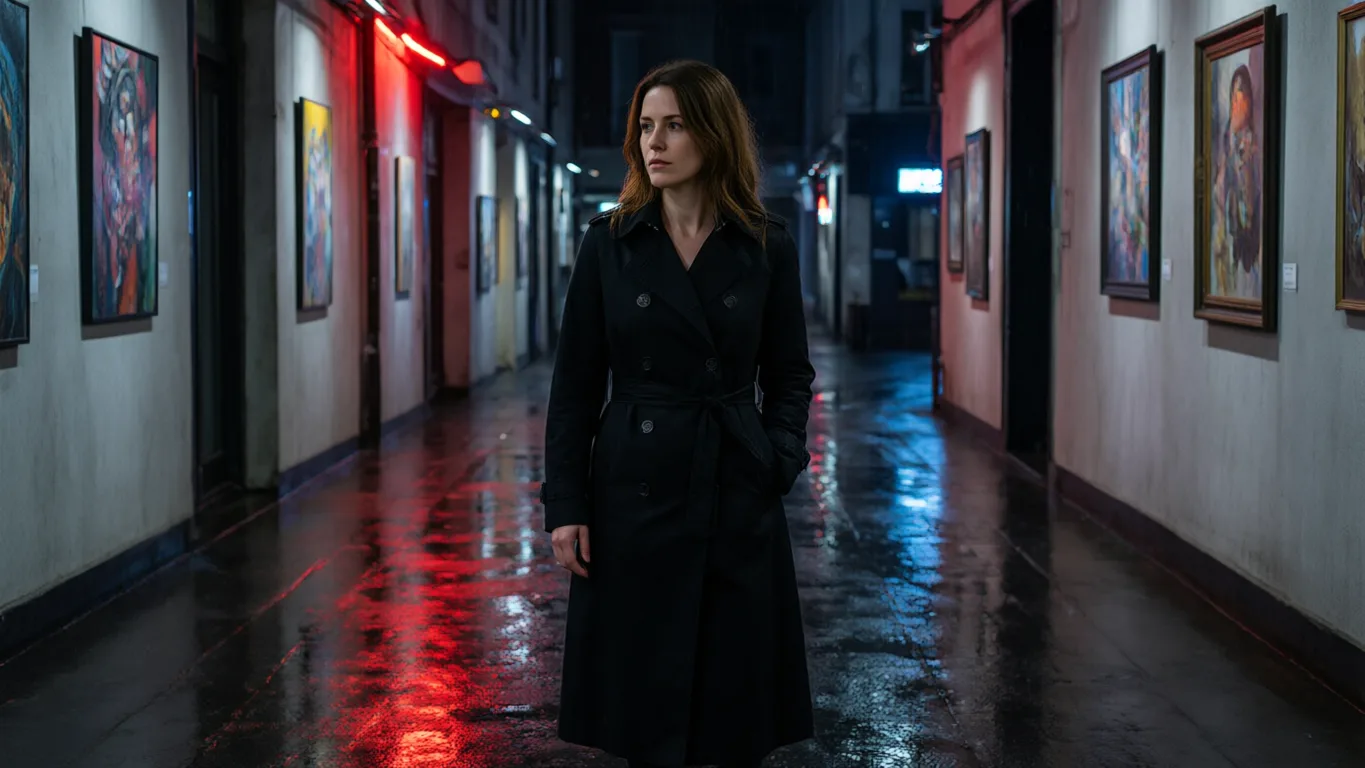 Dolly inShot 15sAfter-hours motion studyA mature adult dancer in tailored eveningwear moving through a rain-lit violet lounge, cinematic side tracking shot, controlled motion blur, faces obscured.5s · 16:9 · Illustrative setupUse this setup
 OrbitShot 28sAmber stage studyA fictional adult performer in an amber evening gown on an art-deco stage, warm practical light, slow dolly-in, shallow depth of field.8s · 16:9 · Illustrative setupUse this setup
 TrackShot 35sVelvet dream sequenceA mature adult performer crossing a crimson velvet stage into a moonlit dreamscape, slow orbit, floating silk, luxury fragrance-film atmosphere, face concealed by shadow.5s · 16:9 · Illustrative setupUse this setup
Illustrative configurations · not generated results
From still portrait animation to camera previsualization and faceless aesthetic loops.
Turn a permitted adult portrait into a controlled close-up with subtle motion, stable framing, and cinematic depth.
Test framing, pace, and direction for an adult scene before committing to an image-to-video or text-to-video setup.
Explore adult atmosphere through costume, lighting, and camera direction without relying on identifiable faces or unauthorized likenesses.
A private studio built around uncensored AI video: live models, visible credit estimates, and consent-first defaults.
Choose a published model, set duration and resolution, and read the Spicy Credit estimate before every run.
Bring an authorized image and keep prompts, inputs, and results private to your workspace.
Every tool is built for clearly adult subjects and media you have permission to process. Read the content guidelines.
Pick a starting point and generate uncensored video from a written scene, an authorized still, or an image edit.
Plan the subject, light, and camera movement before you open Text to Video.
Open Text to VideoBring an authorized source image and describe one clear movement.
Open Image to VideoDevelop a visual concept from a text brief in the image workspace.
Open Text to ImageExplore a focused change to an authorized source image.
Open Image to ImageReview available packs and the estimate for your chosen settings.
View pricingUse clearly adult subjects and source media you have permission to process.
Review content guidelinesClear answers about model options, image-to-video, consent-first guidelines, and credit estimates.
It is a workflow for turning an authorized adult image into an AI video. Upload the source image you have permission to use, describe the motion you want, then select from the image-to-video options currently available in Xotic.
Open Create video, select an available image-to-video setup, upload your authorized source image, and add a focused motion prompt. Review the model's available duration, aspect ratio, resolution, and Credit estimate before you generate.
Yes, when text-to-video is available in the live Catalog. Describe the adult scene, intended action, camera movement, lighting, and style, then review the settings and Credit estimate shown for that model before generating.
Start with a clear, authorized image and ask for one deliberate movement or camera direction at a time. Keep the motion prompt specific, then use the model settings currently available to test duration, framing, and output quality.
The Credit estimate is shown before you generate. It is based on the selected live model and output configuration, so you can review the current requirement before starting a task.
Only if you have the rights and informed consent required for the intended use. Never upload a minor, someone whose adulthood is unclear, non-consensual intimate material, or a real person's likeness for unauthorized impersonation.
No waiting queue. Pick a live model, review the credit cost upfront, and render your first cinematic clip.
Sign in to continue your adult video projects and access your credits.